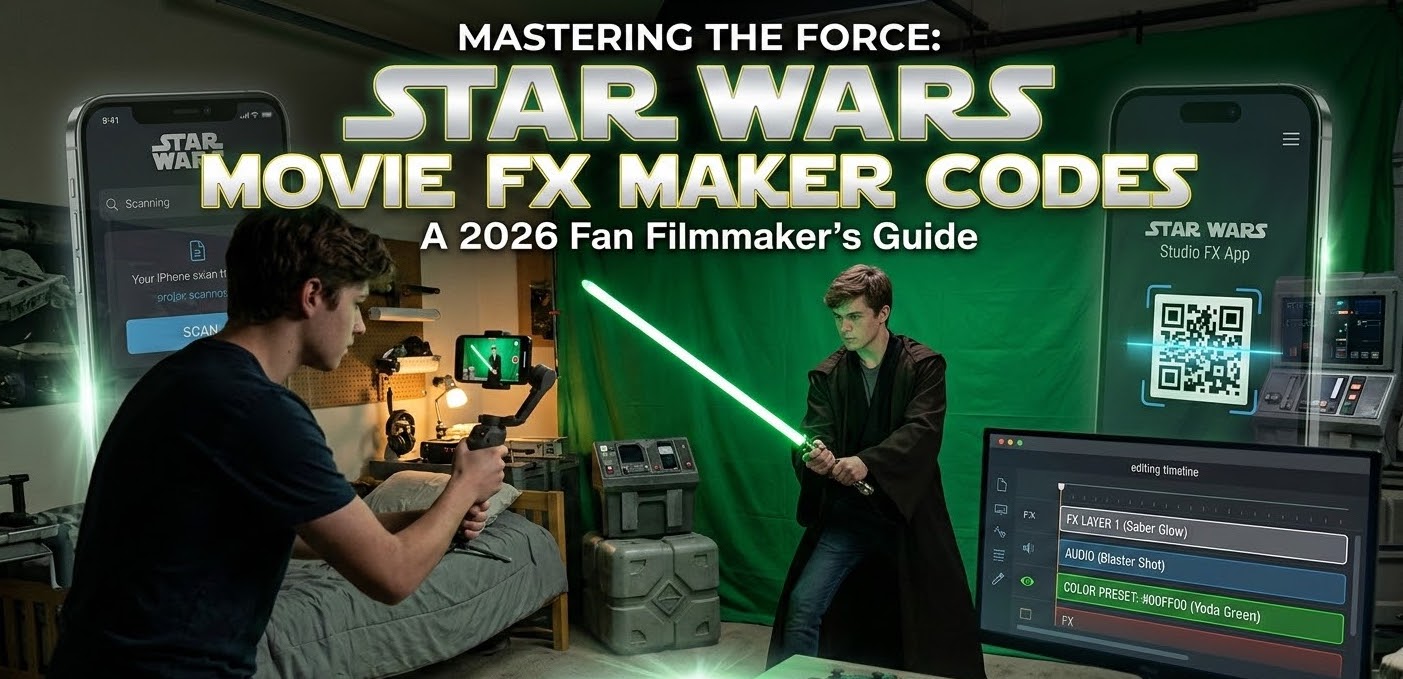
Back in the day (around 2016-2018), Hasbro released the Star Wars Studio FX App. It was a massive hit because it allowed kids to scan “codes” on the back of action figure boxes to unlock cool digital overlays—like an AT-AT orbital strike or BB-8 rolling across your living room.
Today, most of those physical codes are hard to find, and the app is largely a “legacy” tool. However, the term has evolved. For modern fan filmmakers, “codes” now refers to VFX presets and digital assets used in programs like CapCut, HitFilm, or After Effects.
1. The “Secret” Codes for Legacy Apps
If you are still using the classic Hasbro Studio FX app (which you can often find on archived APK sites), you don’t actually need the physical boxes anymore. The community has archived the “codes” as QR patterns.
-
Where to find them: Forums like Rebelscum have users who have uploaded photos of every single unlockable code.
-
The Hack: You can simply point your phone at your computer screen and “scan” these forum photos to unlock the full library of effects without buying the toys.
2. Modern “Codes”: The Filmmaker’s Toolkit
If you want to make a movie that looks like The Mandalorian, you aren’t looking for a QR code; you’re looking for Blending Mode Codes and Asset Packs.
-
The “Screen” Code: Every pro fan-film starts with a black-background asset (like a blaster bolt). The “code” to make it look real is setting your layer blending mode to Screen. This instantly deletes the black and makes the light look like it’s actually in the room.
-
Sound Codes: You can’t have a movie without sound. Legendary designer Ben Burtt didn’t use computer codes; he used real-world objects.
-
Lightsaber Hum: The “code” is a humming vacuum tube mixed with a buzzing film projector.
-
Blaster Bolt: Striking a radio tower guy-wire with a hammer.
-
Reference: Check out this YouTube breakdown of how to recreate these with free software.
-
Where to Get Free Star Wars FX Assets (No Code Required)
Instead of hunting for old Hasbro codes, most creators in 2026 use these “Open Source” style libraries:
| Resource | What it provides | Price |
| Video Copilot | The famous “Saber” plugin for glowing blades. | Free |
| Sonniss GDC | Professional-grade “Whoosh” and “Explosion” SFX. | Free (during GDC) |
| TheForce.Net | The ultimate archive of fan-film tutorials. | Free |
| Action Movie FX | App-based overlays (the new version of the Hasbro app). | Freemium |
How to Build Your First “Star Wars” Scene
-
Film it “Dirty”: Use a physical stick for a lightsaber. It gives your hands the right weight.
-
The Glow “Code”: Use the Saber Plugin (Free). Don’t just make it a solid color; add a white core and a “flicker” set to 25%.
-
The Sound Layer: Never use just one sound. Layer a “swing,” a “hum,” and a “crackle.” This is what separates a $5 movie from a $50,000 one.
-
Reference Source: Watch the father-son duo who made the Hoth film Entrenched in their garage for under $3,000 (See the Creative Bloq breakdown). They used an iPhone and an app called Jetset to do real-time Star Wars VFX.
FAQs (The Stuff People Actually Ask)
Can I still download the Star Wars Studio FX App?
It’s no longer on most official stores. You’ll have to find it on trusted archive sites (like APKMirror) or use “Action Movie FX,” which is the spiritual successor developed by Bad Robot (J.J. Abrams’ company).
What is the “code” for a red lightsaber in After Effects?
In the Saber plugin, select the “Electric” preset and change the Glow Color to Hex: #FF0000. Set the “Core Size” to 2.0 for that classic Vader look.
Is it legal to use Star Wars FX in my videos?
It is not legal to use Star Wars visual or sound effects (FX) in your videos without permission because Disney/Lucasfilm owns the copyright and trademark on them.